
On a Linux server or VPS with cPanel/WHM, there are two ways to reset the root password for MySQL. One method uses the WHM admin web panel, while the other uses the command line (shell).
On servers with cPanel/WHM, it is recommended to change the MySQL root password via WHM. Follow the instructions below to change the MySQL root password in WHM:
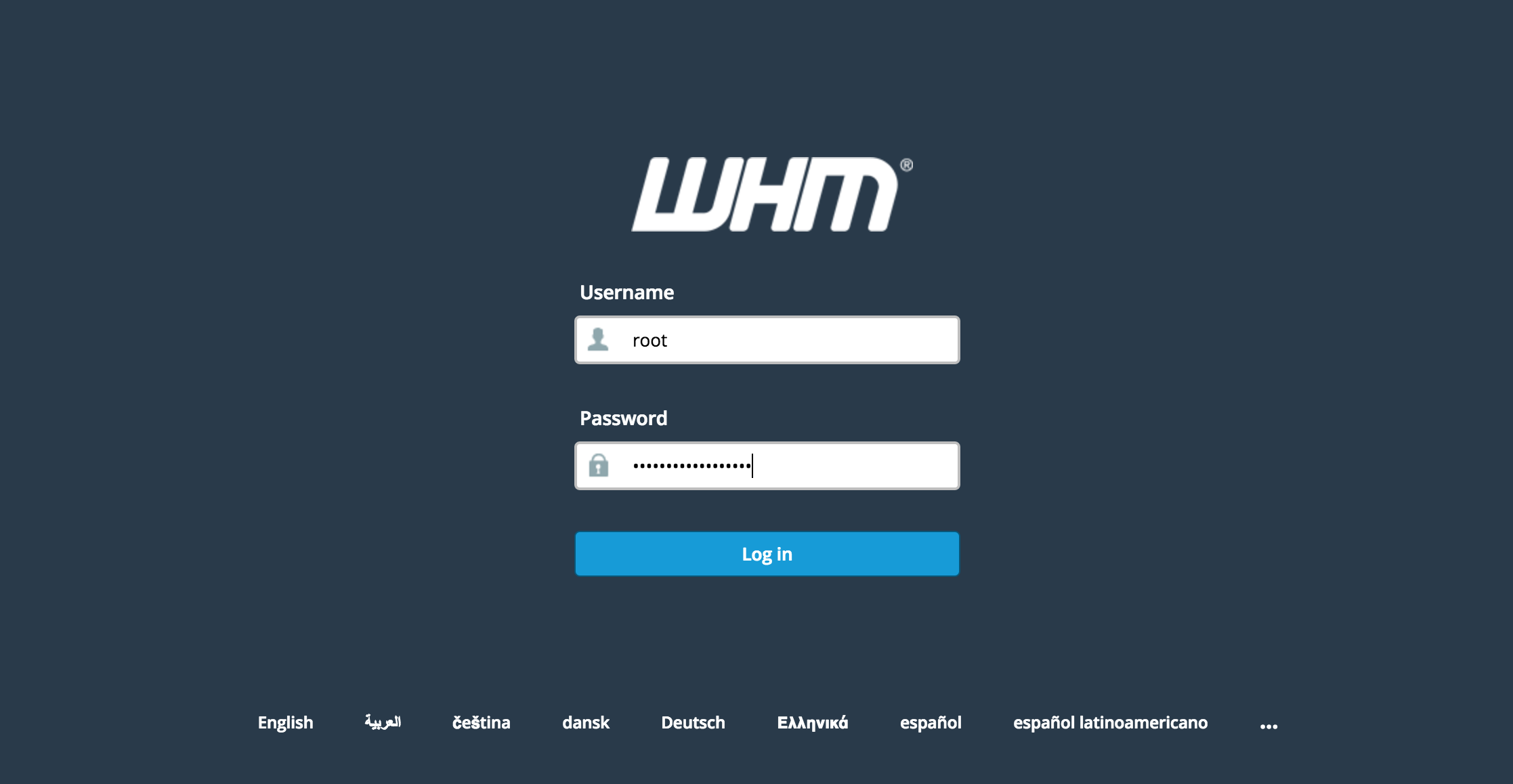
1. Log in to the WHM admin interface at: https://cpanel.yourserver.com:2087 (Using your server’s hostname or IP address.)
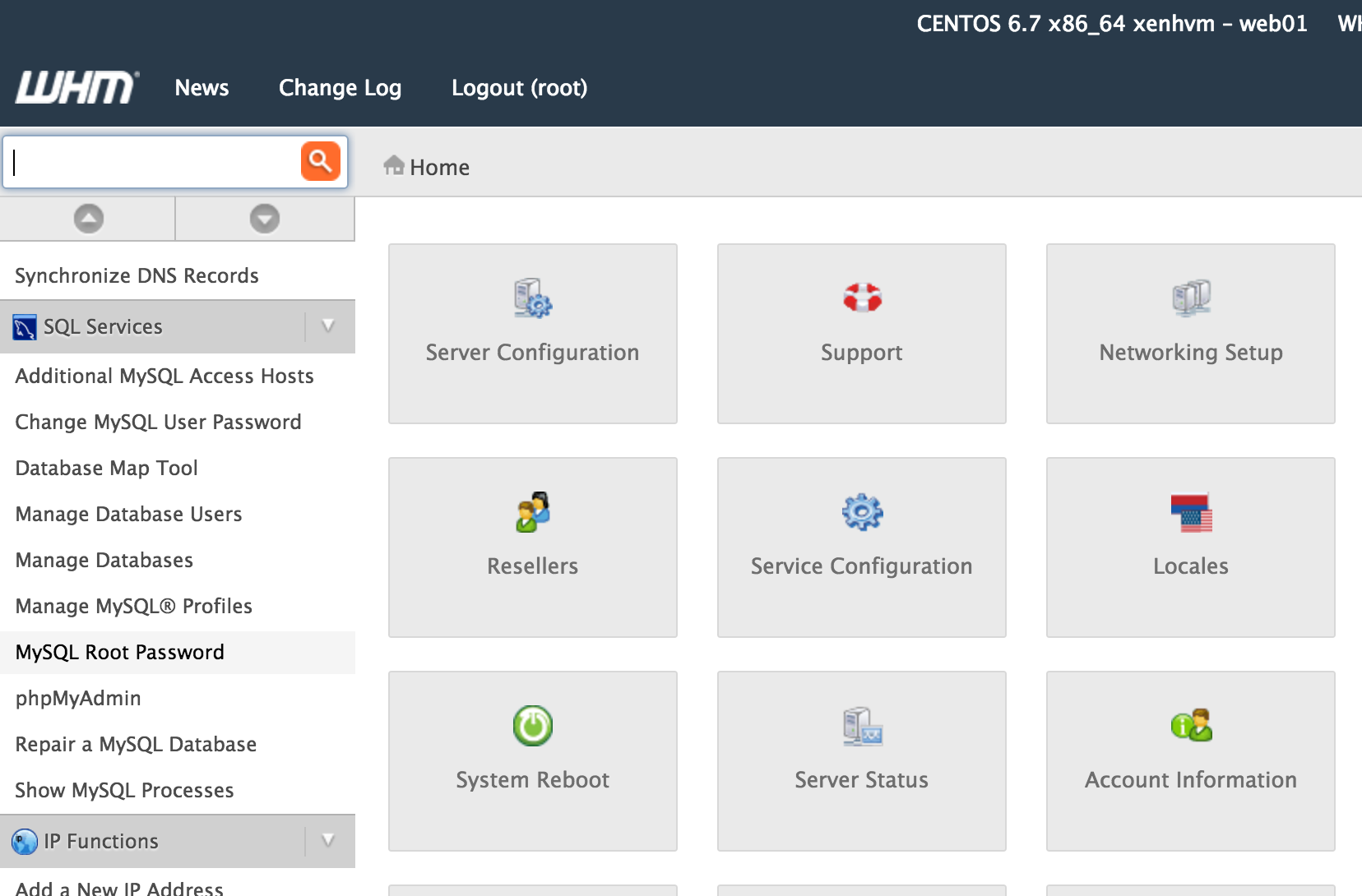
2. Look in SQL Services > MySQL Root Password.
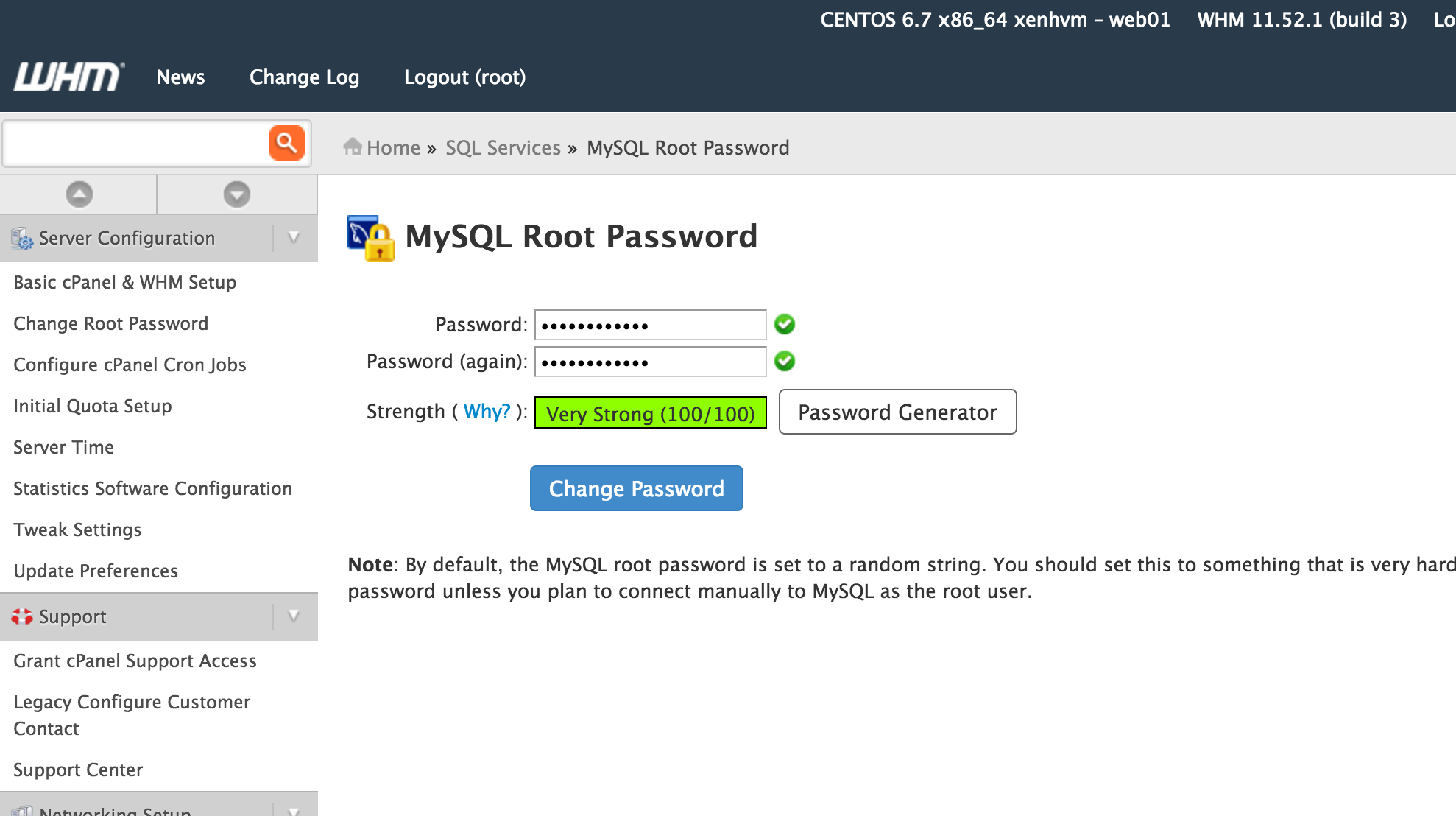
3. Choose a secure password and commit the change. That’s all you need to do!
To change or reset your server’s MySQL root password via SSH command line, follow the steps below:
1. Connect to your server via SSH as the root user.
2. Stop the mysqld service by running the command:
/etc/init.d/mysql stop
3. Run the following commands as shown:
mysql -u rootmysql> use mysql;mysql> update user set password=PASSWORD('yourpasswordhere') where User='root';mysql> flush privileges;mysql> quit
Lightning-fast VPS hosting with enterprise SSD storage, global data centers, and 99.99% uptime. Built for developers, trusted by enterprises.
support@solvps.com
1-888-256-8213
These cookies are essential for the website to function and cannot be switched off.
These cookies enable enhanced functionality and personalization, such as live chat or video.
These cookies help us understand how visitors interact with the website (for example Google Analytics).
These cookies are used to deliver and measure advertising (for example Meta Pixel, LinkedIn Insight, Google Ads).